%20--%3e%3cdefs%3e%3cstyle%3e%20.st0%20{%20fill:%20%23f5acfe;%20}%20.st1%20{%20fill:%20%23bbfd6b;%20}%20%3c/style%3e%3c/defs%3e%3cpolygon%20class='st1'%20points='.2%2040%2039.9%20.3%2053.7%2014.2%2060.6%2020.9%2044.9%2036.5%2031.4%2035.2%2013.5%2053.2%20.2%2040'/%3e%3cpolygon%20class='st0'%20points='79.9%2040.1%2040.2%2079.8%2026.4%2066%2019.5%2059.2%2035.1%2043.6%2048.6%2044.9%2066.6%2026.9%2079.9%2040.1'/%3e%3c/svg%3e)
Instagram and Facebook Reels safe zone template
The Instagram and Facebook Reels safe zone is the clear centre of a 1080×1920 frame. Reserve roughly 220 px at the top, 420 px at the bottom, and 35 px on each side. Keep your captions, titles and logos inside that area and the app's chrome won't sit on top of them.
Reels loads more UI at the bottom than TikTok does. The caption, username, audio label and the row of action buttons all cluster in the lower portion, so that 420 px bottom reserve is the one to respect. The sides stay light, which is why the left and right margins are only 35 px.
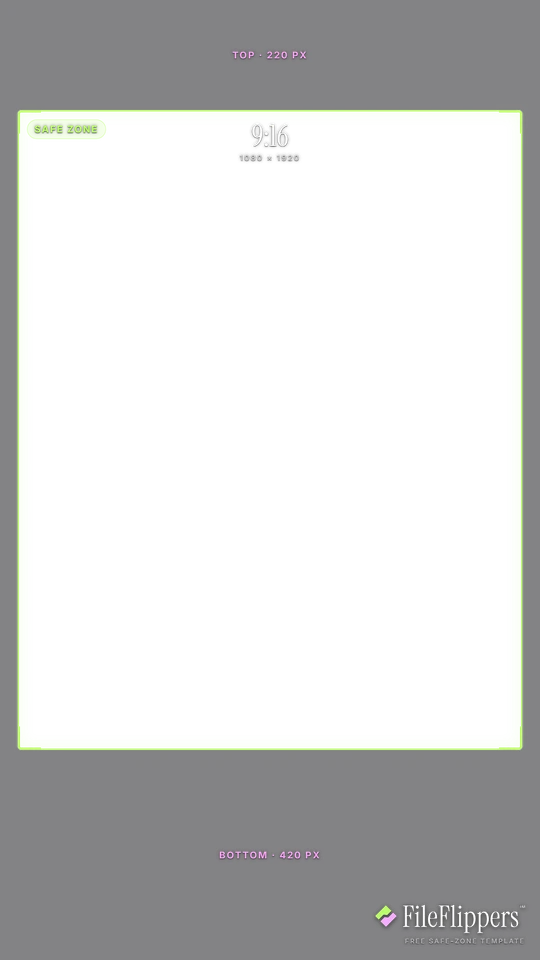
9:16 · Instagram & Facebook Reels — 1080 × 1920
Drop it over your video in Premiere, CapCut, Final Cut or Resolve and keep your text and logos inside the green box.
Reserves — top 220px · bottom 420px · left 35px · right 35px
Download PNG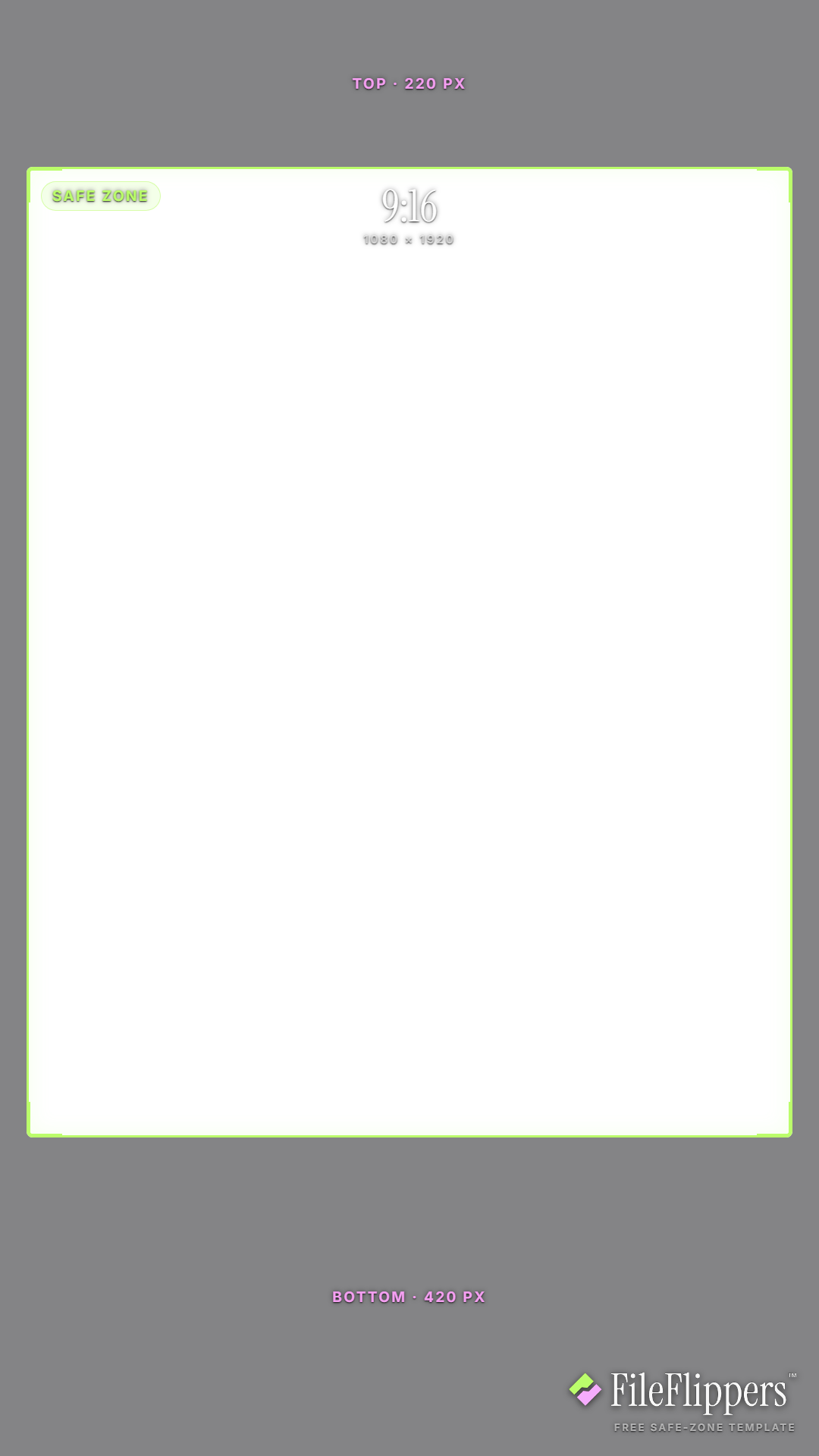
Where the Instagram & Facebook Reels UI sits
These are the margins the template reserves on a 1080 × 1920 frame. Keep text and logos out of them.
| Edge | Reserve | What sits there |
|---|---|---|
| Top | 220 px | Profile and audio bar across the top. |
| Bottom | 420 px | Caption, username, audio label and the action buttons row. |
| Left | 35 px | A slim left margin, Reels keeps the sides light. |
| Right | 35 px | A slim right margin matching the left. |
Instagram & Facebook Reels safe-zone best practices
- Respect the deep bottom. Reels loads more at the bottom than TikTok, so the 420 px lower reserve is the one that catches people out. Keep any must-read text well above it.
- Use the roomy sides. The 35 px side margins are generous, so you have close to the full width to work with horizontally. Centre important subjects and let text breathe left to right.
- Mind the top audio bar. The profile and audio bar sits across the top 220 px. A title placed right at the top edge can clash with it, so nudge headline text down slightly.
- Match Reels and Feed carefully. The same clip can appear in Reels and in the feed with different crops. If you post it both ways, check it against the 4:5 feed guide too so nothing gets clipped.
How to use the overlay
- Download the transparent PNG above. The centre is clear, so it sits over your footage without hiding anything.
- Add it as a top layer in Premiere, CapCut, Final Cut or DaVinci Resolve, matched to the same resolution.
- Keep text and logos inside the green box, away from the shaded margins.
- Hide the overlay before you export. It is a guide, not part of the final video.
Frequently asked questions
What is the Instagram Reels safe zone size?
For a 1080×1920 Reel, reserve about 220 px at the top, 420 px at the bottom, and 35 px on each side. Keep captions, titles and logos inside that middle area to stay clear of the UI.
Why is the Reels bottom margin so big?
Reels stacks the caption, username, audio label and the row of action buttons across the lower part of the screen. That's more than TikTok puts there, which is why the bottom reserve is a deep 420 px.
Does this template work for Facebook Reels too?
Yes. Facebook Reels uses the same 9:16 layout and near-identical UI placement, so the one template covers both Instagram and Facebook Reels.
Is the Reels safe zone template free?
It is. Download the transparent PNG for free, use it on any project commercial or personal, with no attribution and no sign-up.
Made your clip? Send it in one link.
FileFlippers sends large video to clients and collaborators, with watermarked previews and payment-gated delivery. Free to start, no card required.