%20--%3e%3cdefs%3e%3cstyle%3e%20.st0%20{%20fill:%20%23f5acfe;%20}%20.st1%20{%20fill:%20%23bbfd6b;%20}%20%3c/style%3e%3c/defs%3e%3cpolygon%20class='st1'%20points='.2%2040%2039.9%20.3%2053.7%2014.2%2060.6%2020.9%2044.9%2036.5%2031.4%2035.2%2013.5%2053.2%20.2%2040'/%3e%3cpolygon%20class='st0'%20points='79.9%2040.1%2040.2%2079.8%2026.4%2066%2019.5%2059.2%2035.1%2043.6%2048.6%2044.9%2066.6%2026.9%2079.9%2040.1'/%3e%3c/svg%3e)


Ship massive project files with zero drama
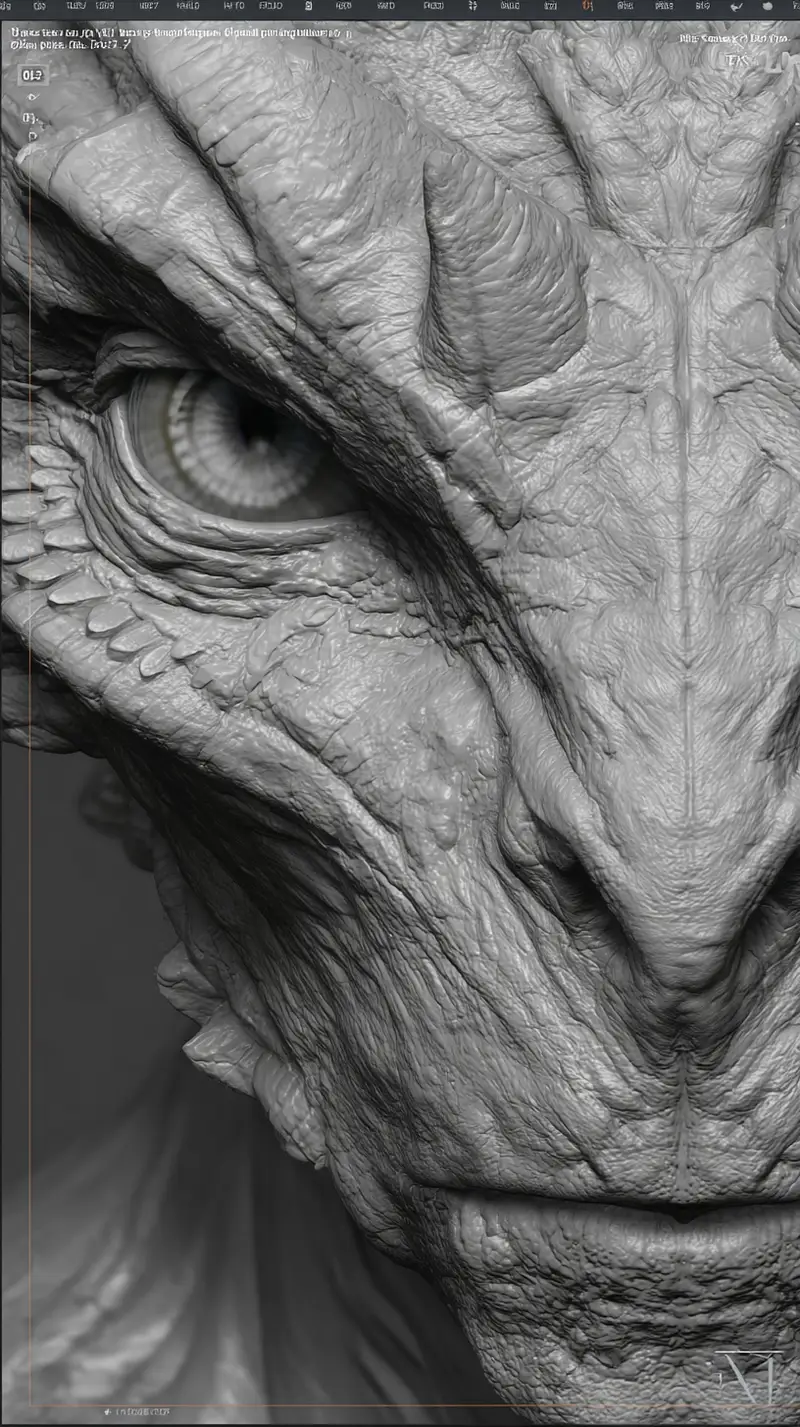
Send Blender scenes, ZBrush sculpts and texture packs in one transfer, without praying the upload doesn't die halfway.


Chunked, resumable uploads
Our upload pipeline splits large files into chunks and sends them in parallel. If the connection drops, it resumes from where it stopped instead of starting over.
Team sharing with Squad
Working in a studio? The Squad plan gives your team shared storage, a team dashboard, and per-member usage tracking.
No format is blocked
Send .blend, .zpr, .fbx, .obj, whatever you've got. Project files and texture archives need to be under 2 GB each so we can scan them before delivery.
Ship the project without the babysitting
3D projects are heavy and they're messy. A Blender scene with linked assets, a ZBrush sculpt at full subdivision, 4K and 8K texture packs, baked simulations, the whole thing can run tens of gigabytes before you've packed it for delivery. Most transfer tools fall over at that size, or block the file type, or die two-thirds of the way through a massive upload and make you start the entire thing again. None of that flies when you're sending a hero asset to a studio on a deadline.
FileFlippers is built for exactly this. The upload pipeline splits big files into chunks and sends them in parallel, so they go up fast, and if the connection drops it resumes from where it stopped instead of restarting. No format is blocked either. We don't stop .blend, .zpr, .fbx, .obj, .ztl or anything else. The one real limit is size-based: past 2 GB a file has to be in a common video, audio or image container to clear our virus scan. ProRes and H.264 masters pass at any size, but OpenEXR frames, scene files and texture archives don't clear it, so keep those under 2 GB each and split a packed delivery across several files in one transfer. Plan caps are 5 GB per file free, 25 GB on Pro, 50 GB on Squad.
Working in a studio or a small team? The Squad plan gives everyone shared storage, a team dashboard, and per-member usage so you can see who sent what without chasing people on Slack. And every transfer is encrypted in transit, with optional passwords (Pro and Squad) and expiry windows, so a client's confidential project files aren't sitting on a public link a month after the job wraps.
Common questions
No, nothing is blocked by format. .blend, .zpr, .ztl, .fbx, .obj, .gltf, packed texture archives, whatever you've got. The one catch is size: past 2 GB a file has to be in a common video, audio or image container to pass our virus scan, which counts out OpenEXR frames and scene files at that size, so keep those under 2 GB and split a big delivery across several files in one transfer.
Yes. Files are chunked and uploaded in parallel, and the transfer is resumable, so a dropped connection picks up from the last completed chunk rather than restarting the whole thing.
Up to 5 GB free, 25 GB on Pro, and 50 GB on Squad. Past 2 GB a file has to be in a common video, audio or image container to clear our virus scan, so keep OpenEXR frames, scene files and texture archives under 2 GB each and split a packed delivery across several files in one transfer.
Yes, on Squad. You get a shared workspace with pooled storage, a team dashboard, and per-member usage tracking, so the whole team sends under one roof and you can see exactly who delivered what.
Every transfer is encrypted in transit. Add a password (Pro and Squad) and set an expiry so confidential project files come down on schedule instead of living on a link indefinitely.
Explore more
Send your next scene without crossing your fingers
Chunked, resumable uploads built for heavy scenes. Your first transfer is free.
Sign up and send a project