%20--%3e%3cdefs%3e%3cstyle%3e%20.st0%20{%20fill:%20%23f5acfe;%20}%20.st1%20{%20fill:%20%23bbfd6b;%20}%20%3c/style%3e%3c/defs%3e%3cpolygon%20class='st1'%20points='.2%2040%2039.9%20.3%2053.7%2014.2%2060.6%2020.9%2044.9%2036.5%2031.4%2035.2%2013.5%2053.2%20.2%2040'/%3e%3cpolygon%20class='st0'%20points='79.9%2040.1%2040.2%2079.8%2026.4%2066%2019.5%2059.2%2035.1%2043.6%2048.6%2044.9%2066.6%2026.9%2079.9%2040.1'/%3e%3c/svg%3e)
4:5 feed safe zone template
The 4:5 feed safe zone protects a 1080×1350 video using broadcast-style guides rather than fixed app buttons. The action-safe area is a 5 percent inset from every edge, roughly 54 px on the sides and 68 px top and bottom. The title-safe area is a tighter 10 percent inset, about 108 px and 135 px.
Feed video has no permanent interface sitting over it, so there are no engagement buttons to dodge. Instead you're guarding against edge crop and tight framing across different screens. Keep motion and key subjects inside action-safe, and keep text and logos inside the title-safe box so nothing kisses the border.
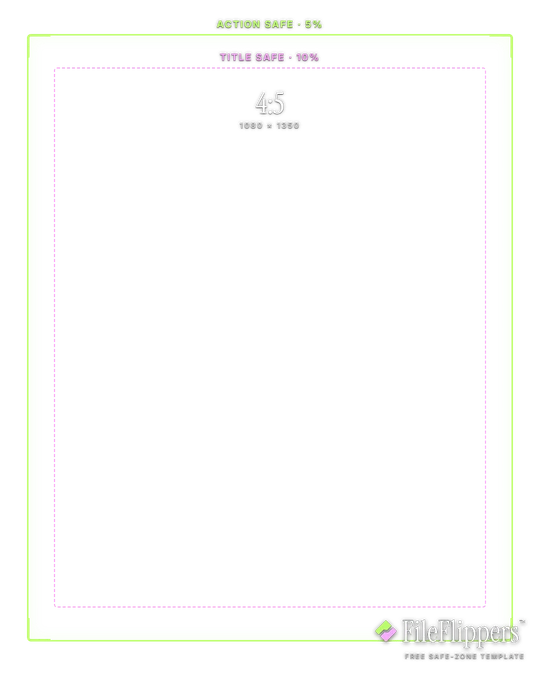
4:5 · Feed — 1080 × 1350
Drop it over your video in Premiere, CapCut, Final Cut or Resolve and keep your text and logos inside the green box.
Action-safe 5% + title-safe 10% broadcast guides
Download PNG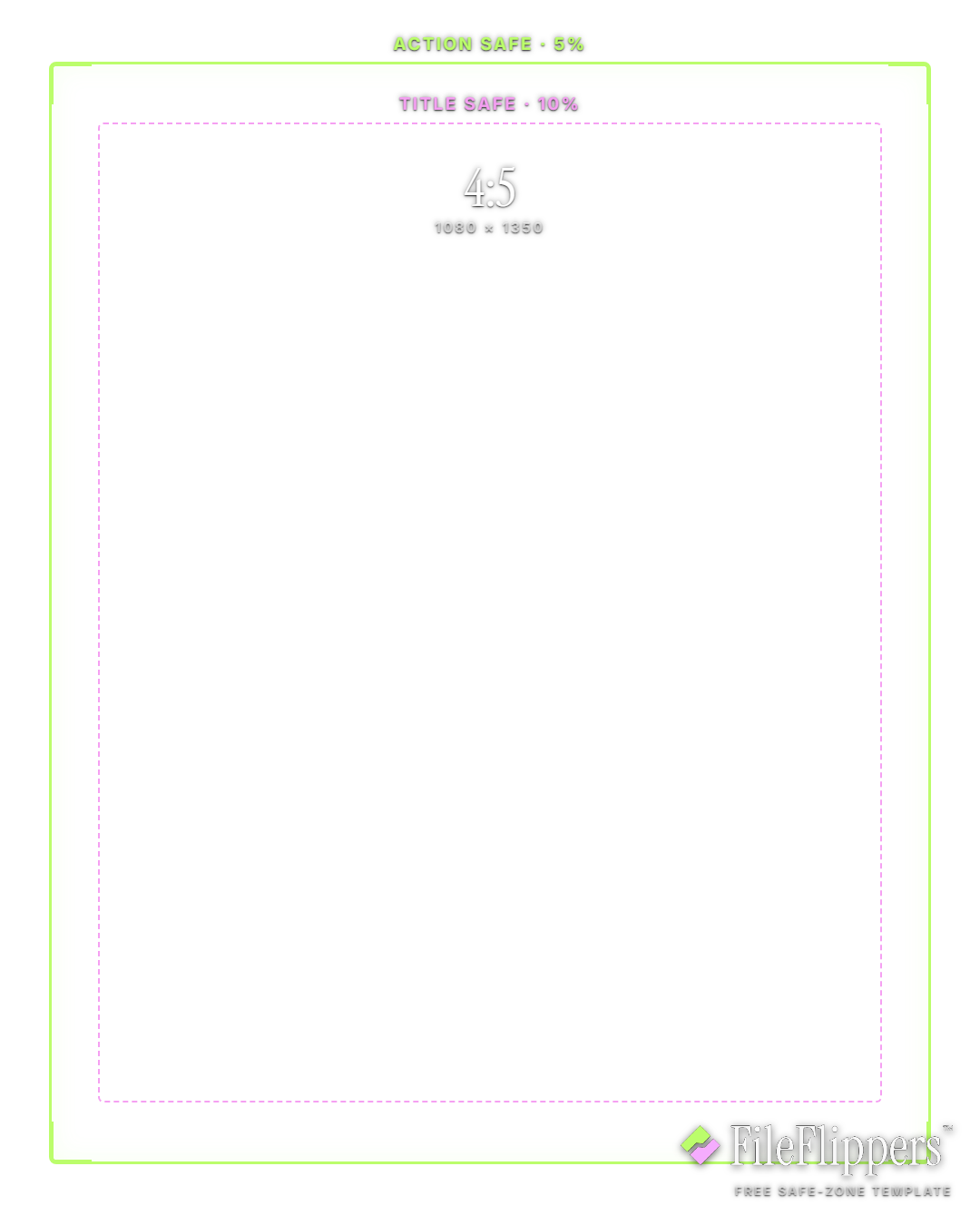
Where the 4:5 Feed UI sits
These are the margins the template reserves on a 1080 × 1350 frame. Keep text and logos out of them.
4:5 Feed safe-zone best practices
- Two boxes, two jobs. Action-safe (5 percent in) is for anything that matters visually, faces, product, motion. Title-safe (10 percent in) is the tighter box for text and logos that must never be clipped.
- Keep captions inside title-safe. Burned-in captions and lower-thirds belong inside the 10 percent inset. Different apps crop feed video slightly differently, and title-safe is your buffer against all of them.
- Watch the vertical crop. A 4:5 feed post can get trimmed toward square in some places. Hold key subjects inside action-safe so the framing survives if the top and bottom get shaved.
- Logos in the corners, not on the line. If you drop a watermark in a corner, seat it inside title-safe rather than hard against the edge. On the line it risks being cut on a tight display.
How to use the overlay
- Download the transparent PNG above. The centre is clear, so it sits over your footage without hiding anything.
- Add it as a top layer in Premiere, CapCut, Final Cut or DaVinci Resolve, matched to the same resolution.
- Keep text and logos inside the green box, away from the shaded margins.
- Hide the overlay before you export. It is a guide, not part of the final video.
Frequently asked questions
What is the 4:5 feed safe zone?
It's a set of broadcast-style guides on a 1080×1350 frame: an action-safe area 5 percent in from each edge, and a tighter title-safe area 10 percent in. There's no fixed app UI, so it's about safe framing and crop.
What's the difference between action-safe and title-safe?
Action-safe (about 54 px on the sides, 68 px top and bottom) is for anything that matters visually. Title-safe (about 108 px and 135 px) is the tighter box for text and logos that must never be clipped.
Why does feed video need a safe zone with no buttons?
Because feed posts get cropped and reflowed differently across screens and placements. Keeping subjects in action-safe and text in title-safe protects the framing wherever the video ends up.
Is the 4:5 template free to use?
Yes. It's a free transparent PNG, fine for commercial and personal work, with no attribution and no account needed.
Made your clip? Send it in one link.
FileFlippers sends large video to clients and collaborators, with watermarked previews and payment-gated delivery. Free to start, no card required.