%20--%3e%3cdefs%3e%3cstyle%3e%20.st0%20{%20fill:%20%23f5acfe;%20}%20.st1%20{%20fill:%20%23bbfd6b;%20}%20%3c/style%3e%3c/defs%3e%3cpolygon%20class='st1'%20points='.2%2040%2039.9%20.3%2053.7%2014.2%2060.6%2020.9%2044.9%2036.5%2031.4%2035.2%2013.5%2053.2%20.2%2040'/%3e%3cpolygon%20class='st0'%20points='79.9%2040.1%2040.2%2079.8%2026.4%2066%2019.5%2059.2%2035.1%2043.6%2048.6%2044.9%2066.6%2026.9%2079.9%2040.1'/%3e%3c/svg%3e)
1:1 square safe zone template
The 1:1 square safe zone works on a 1080×1080 frame with two broadcast-style guides. Action-safe is a 5 percent inset, about 54 px in from each edge, for anything that matters visually. Title-safe is a tighter 10 percent inset, about 108 px in, for text and logos you can't afford to have clipped.
Square posts crop and reflow depending on where they appear, so a comfortable margin is your insurance. There's no fixed UI to avoid here, the reserve is purely about safe framing. Centre your subject inside action-safe, and hold captions and watermarks inside title-safe so they read cleanly at any size.
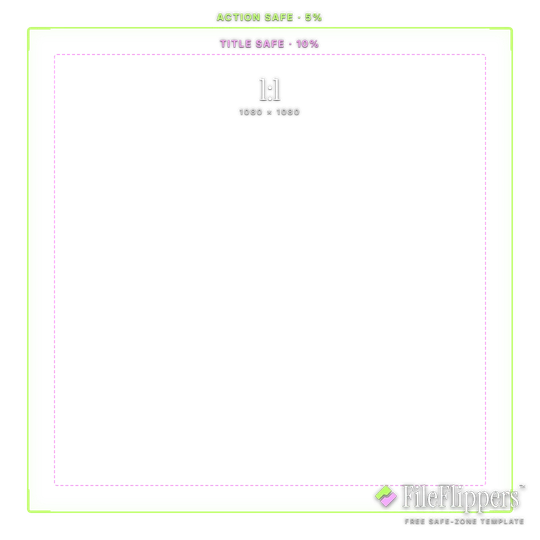
1:1 · Square — 1080 × 1080
Drop it over your video in Premiere, CapCut, Final Cut or Resolve and keep your text and logos inside the green box.
Action-safe 5% + title-safe 10% broadcast guides
Download PNG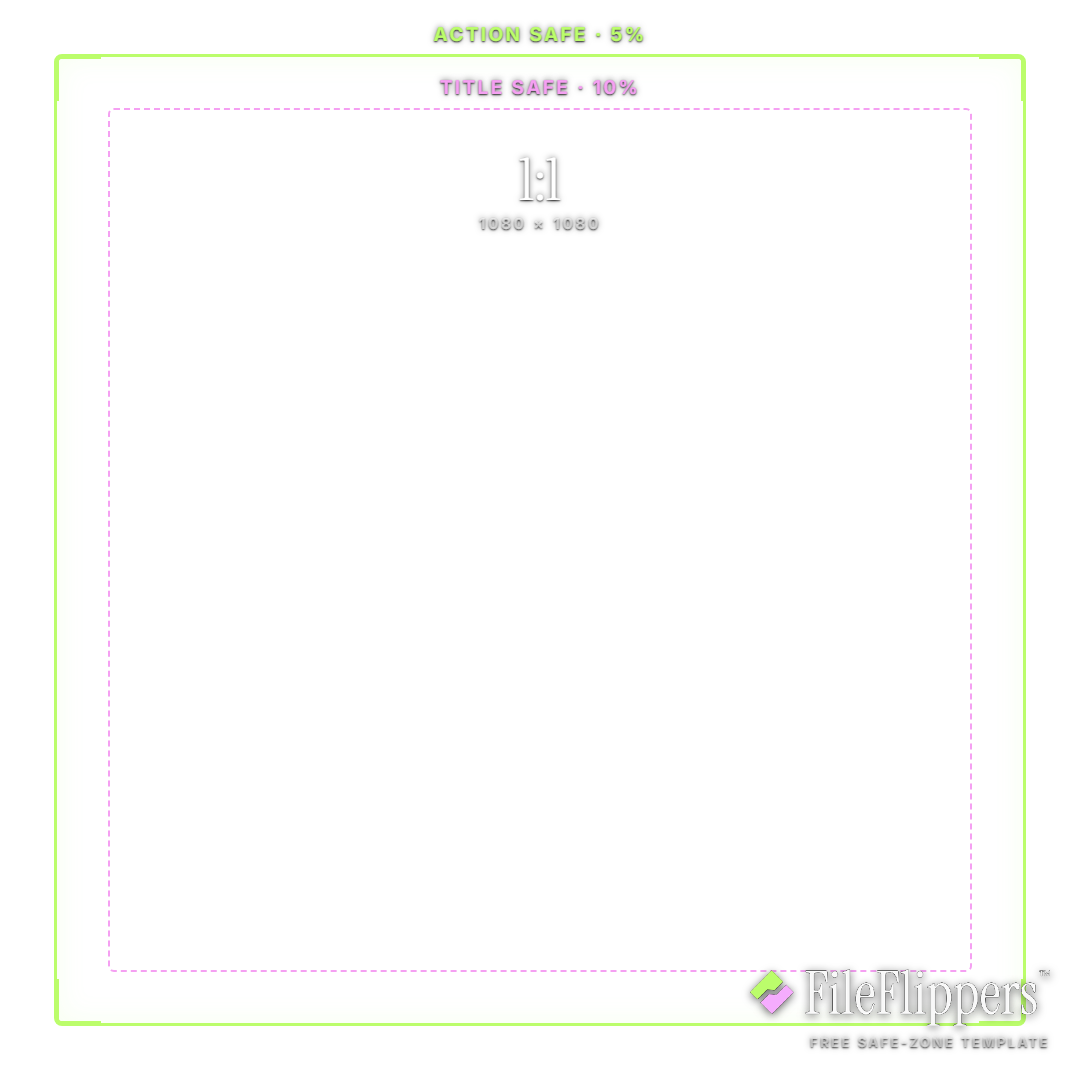
Where the 1:1 Square UI sits
These are the margins the template reserves on a 1080 × 1080 frame. Keep text and logos out of them.
1:1 Square safe-zone best practices
- Centre for reflow. Square posts get cropped and reframed across surfaces. Keeping your subject inside action-safe (5 percent in) means the composition holds up wherever it lands.
- Text lives in title-safe. Hold captions, prices and logos inside the 10 percent inset. Text pushed to the edge is the first thing to get clipped when a platform tightens the crop.
- No UI, still leave room. There's no fixed interface over a square post, so the margins are purely about framing. Don't skip them, edge-to-edge text still reads as cramped.
- Check it at thumbnail size. Square art often shows tiny in a grid. If your text sits inside title-safe it stays legible when the whole thing shrinks to a corner of the screen.
How to use the overlay
- Download the transparent PNG above. The centre is clear, so it sits over your footage without hiding anything.
- Add it as a top layer in Premiere, CapCut, Final Cut or DaVinci Resolve, matched to the same resolution.
- Keep text and logos inside the green box, away from the shaded margins.
- Hide the overlay before you export. It is a guide, not part of the final video.
Frequently asked questions
What is the 1:1 square safe zone in pixels?
On a 1080×1080 frame, action-safe is about 54 px in from every edge and title-safe is about 108 px in. Keep visuals inside action-safe and text inside title-safe.
Do square posts really need safe margins?
They do. Square content gets cropped and reframed across different surfaces, so a comfortable margin keeps your composition and text from being clipped when the crop tightens.
Where should text go on a square video?
Inside the title-safe box, roughly 108 px in. That keeps captions and logos legible even when the post shrinks to a thumbnail in a grid.
Is the square template free?
Yes. A free transparent PNG, commercial use allowed, no attribution and no sign-up.
Made your clip? Send it in one link.
FileFlippers sends large video to clients and collaborators, with watermarked previews and payment-gated delivery. Free to start, no card required.