%20--%3e%3cdefs%3e%3cstyle%3e%20.st0%20{%20fill:%20%23f5acfe;%20}%20.st1%20{%20fill:%20%23bbfd6b;%20}%20%3c/style%3e%3c/defs%3e%3cpolygon%20class='st1'%20points='.2%2040%2039.9%20.3%2053.7%2014.2%2060.6%2020.9%2044.9%2036.5%2031.4%2035.2%2013.5%2053.2%20.2%2040'/%3e%3cpolygon%20class='st0'%20points='79.9%2040.1%2040.2%2079.8%2026.4%2066%2019.5%2059.2%2035.1%2043.6%2048.6%2044.9%2066.6%2026.9%2079.9%2040.1'/%3e%3c/svg%3e)
YouTube end screen template
A YouTube end screen is the overlay you add to the last 5 to 20 seconds of a video to promote another video, a playlist or the subscribe button. It sits on a 1920×1080 frame, and YouTube places its clickable elements over the top of your footage, usually down the right-hand side.
This template marks the title-safe design area and the typical spots those elements land, a video or playlist thumbnail on the right and a round subscribe badge below it. Design your outro so nothing important, like text or a face, sits under those zones, and your call to action stays readable.
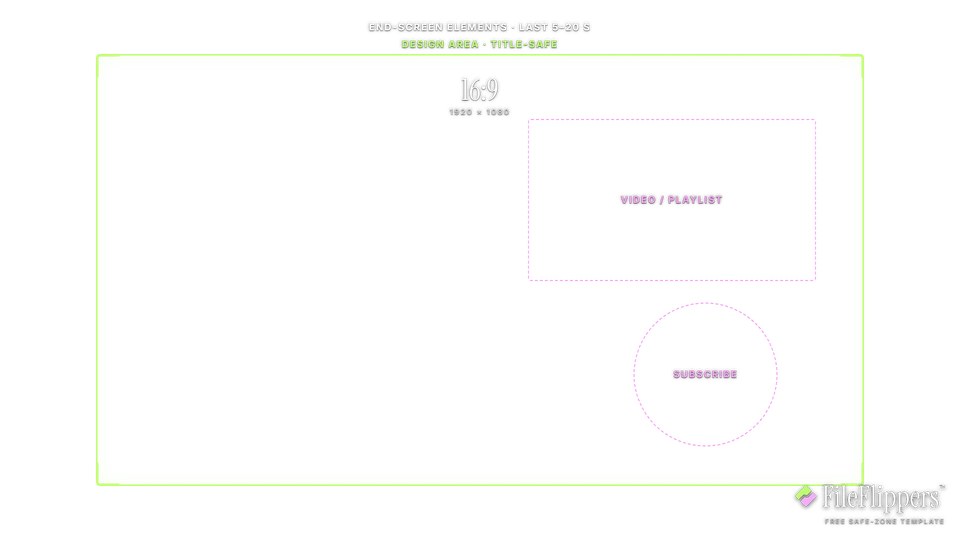
16:9 · YouTube End Screen — 1920 × 1080
Drop it over your video in Premiere, CapCut, Final Cut or Resolve and keep your text and logos inside the green box.
Action-safe 5% + title-safe 10% broadcast guides
Download PNG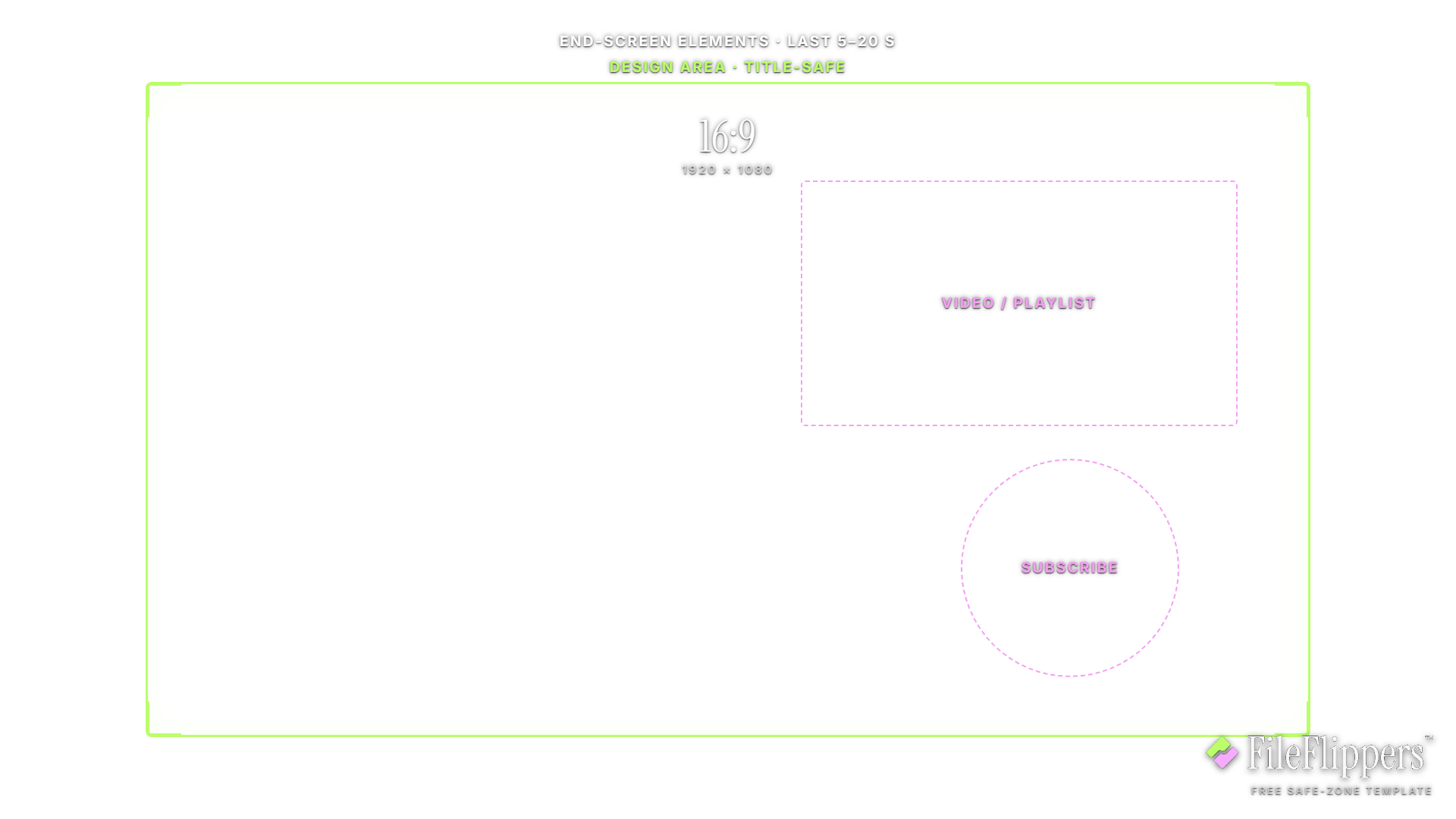
Where the YouTube End Screen UI sits
These are the margins the template reserves on a 1920 × 1080 frame. Keep text and logos out of them.
YouTube End Screen safe-zone best practices
- Leave the right side clear. Suggested-video and playlist elements almost always sit on the right of the frame. Keep your outro's key visuals and text on the left so a thumbnail never lands on top of them.
- Give the subscribe badge room. The round subscribe element needs a clear patch of frame to read against. A busy or high-contrast background behind it makes it hard to see, so leave a calmer area where it will sit.
- Design a dedicated outro card. The cleanest end screens use a simple branded outro card for the last 20 seconds rather than layering elements over live footage. It gives every element a clear background and keeps the frame tidy.
- Hold the shot long enough. End-screen elements need at least 5 seconds on screen, and up to 20 works well. Make sure your outro runs long enough for viewers to actually click before the video ends.
How to use the overlay
- Download the transparent PNG above. The centre is clear, so it sits over your footage without hiding anything.
- Add it as a top layer in Premiere, CapCut, Final Cut or DaVinci Resolve, matched to the same resolution.
- Keep text and logos inside the green box, away from the shaded margins.
- Hide the overlay before you export. It is a guide, not part of the final video.
Frequently asked questions
What size is a YouTube end screen?
The same as the video: 1920×1080 for standard HD. End-screen elements are placed within that frame during the last 5 to 20 seconds, so design your outro at full resolution and keep the element zones clear.
Where do YouTube end screen elements go?
You can place them fairly freely, but suggested-video and playlist elements typically sit on the right of the frame with a subscribe badge nearby. This template marks those usual spots so you leave room for them.
How long should a YouTube end screen be?
Elements can show for 5 to 20 seconds. Twenty seconds gives viewers time to read and click without feeling rushed, so plan an outro that holds long enough for the elements to do their job.
Is this end screen template free?
Yes. It is a free transparent PNG with no attribution required and no account needed.
Made your clip? Send it in one link.
FileFlippers sends large video to clients and collaborators, with watermarked previews and payment-gated delivery. Free to start, no card required.